Need help with the site?
Choose a topic below to get help with solitaire games, learn about common settings, and discover useful features of TheSolitaire.com:
Where can I see how to play?
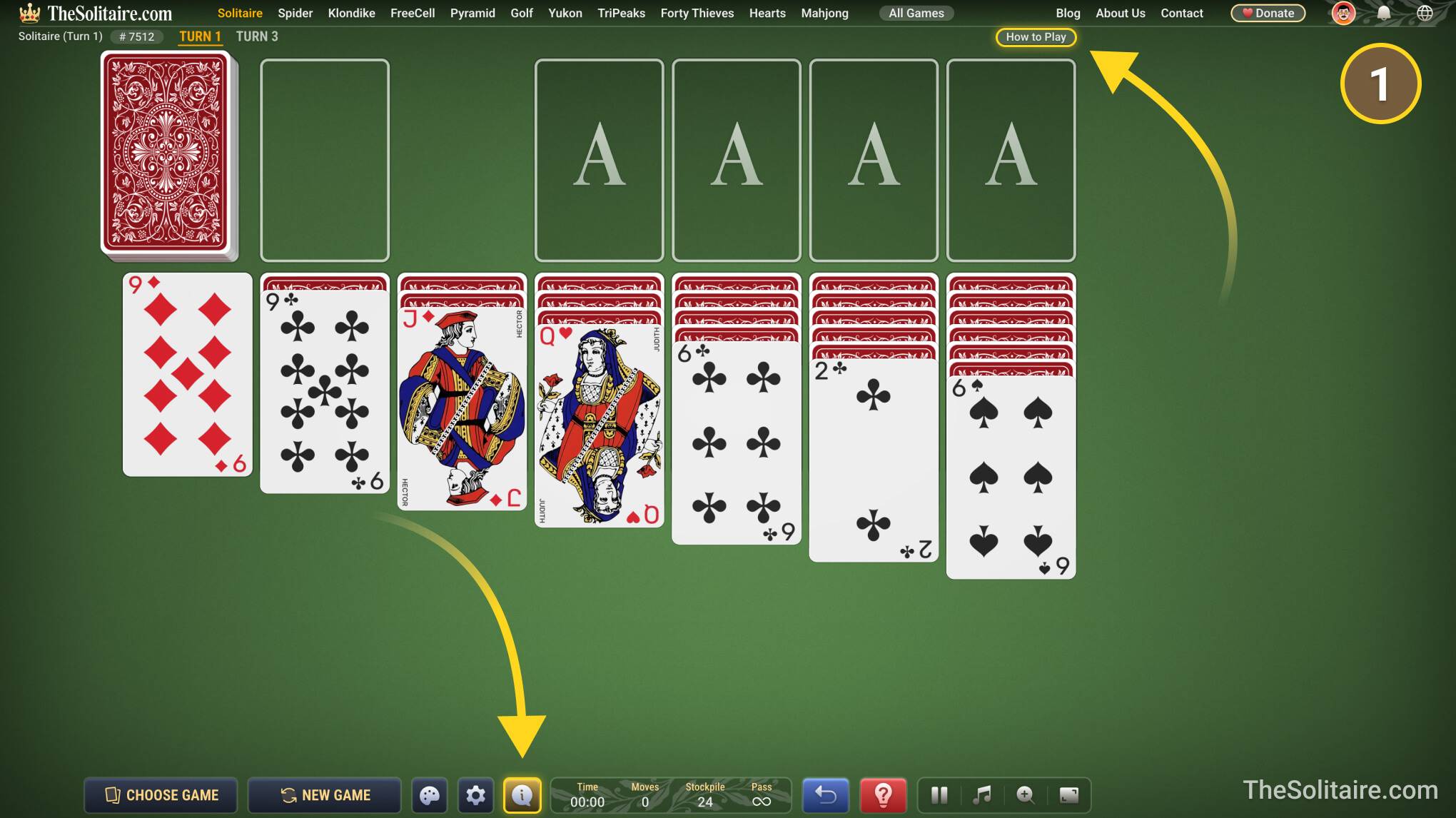
- While playing, you can open Quick Guide from the button in the top-right corner of the screen, or by clicking the “i” button at the bottom center of the screen.
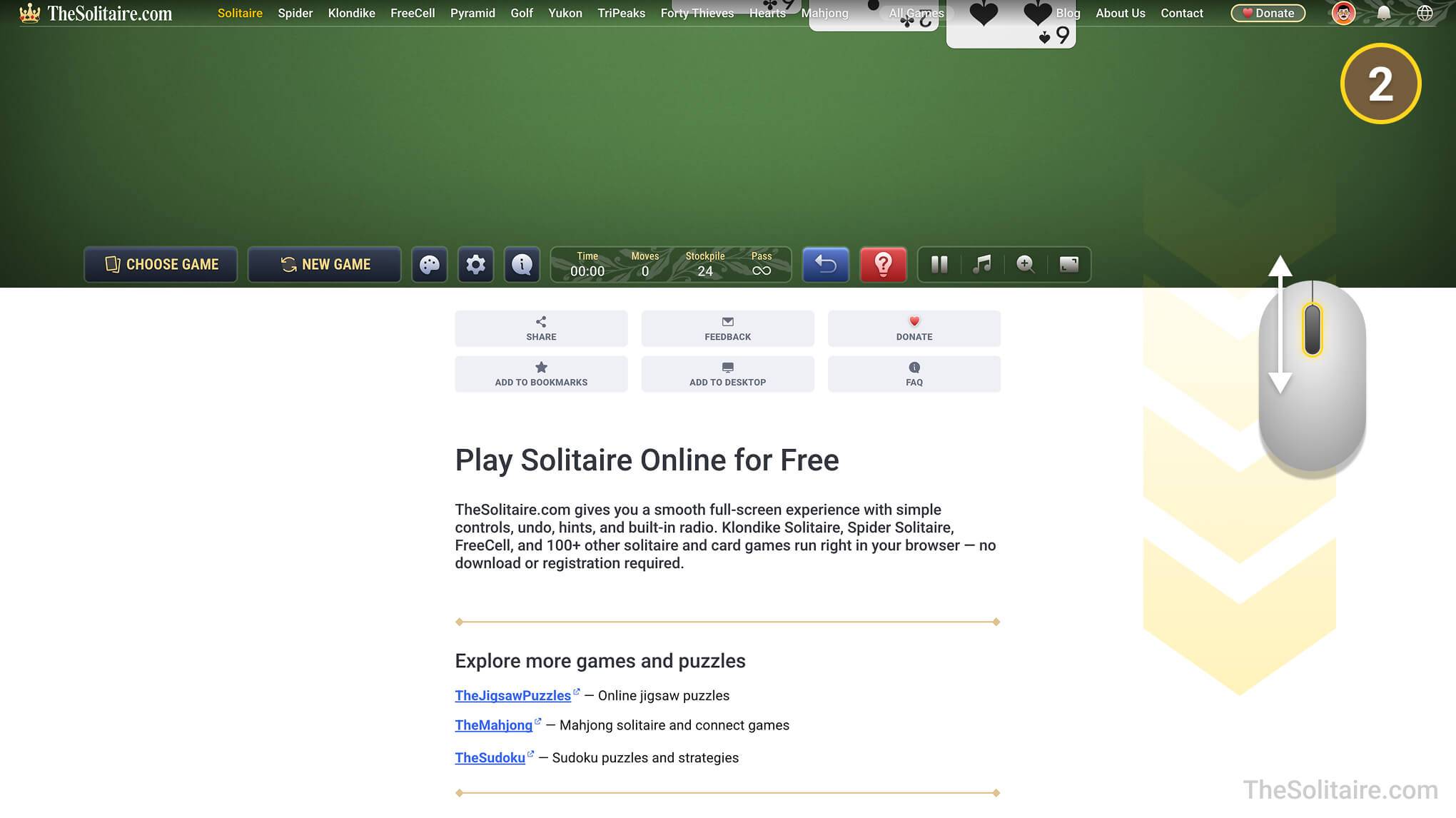
- For full rules, scroll down below the game. There you can read how the game works, what the goal is, and which moves are allowed. Game pages are also being updated with Tips & Tricks sections, where you can find useful advice for playing each game.
What can I do if I get stuck or make a wrong move?
Use  Hint when you are not sure what move to make. Use
  Undo to take back your last move if you clicked the wrong card or want to try another option.
Where can I find the game settings?
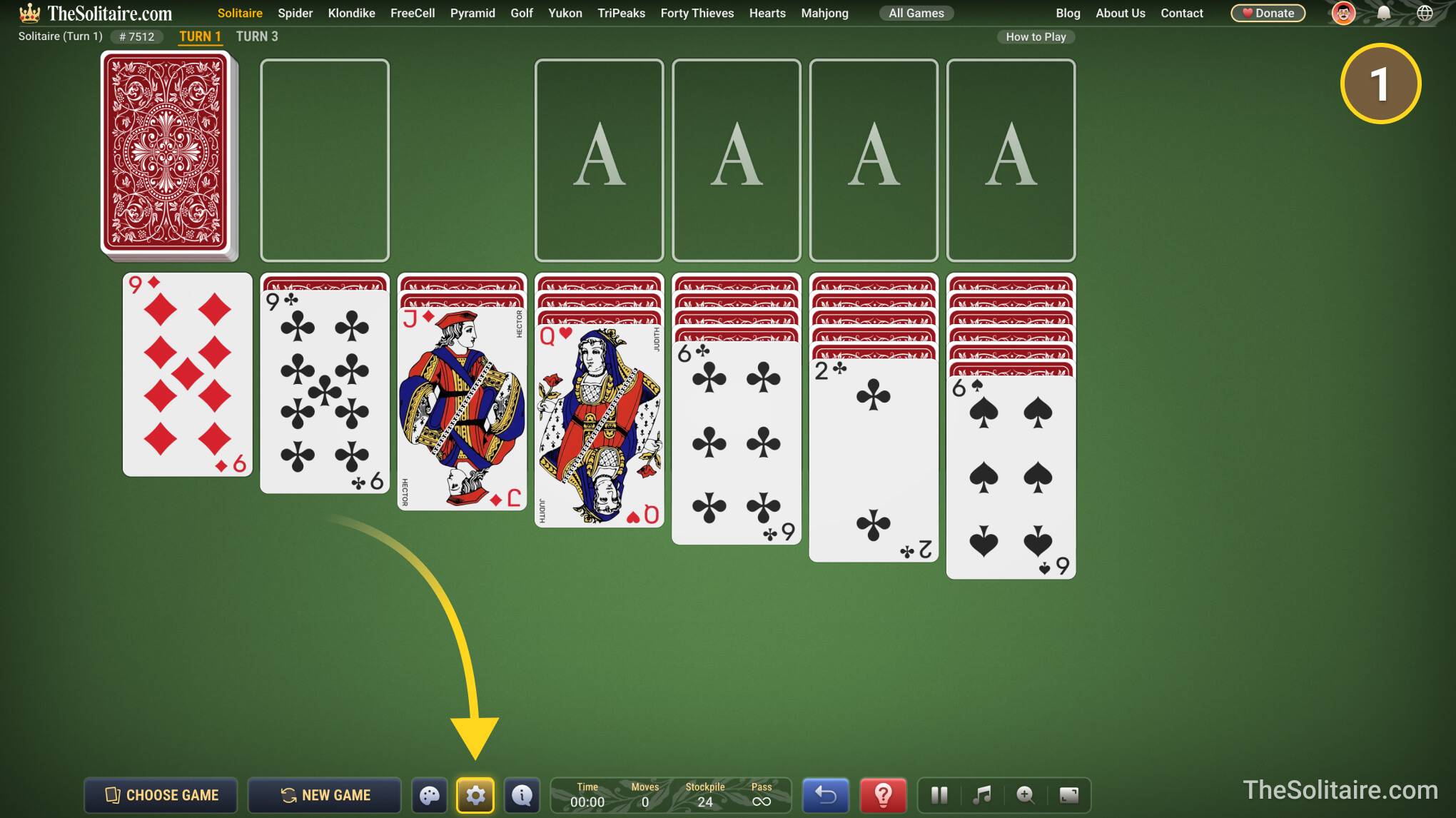
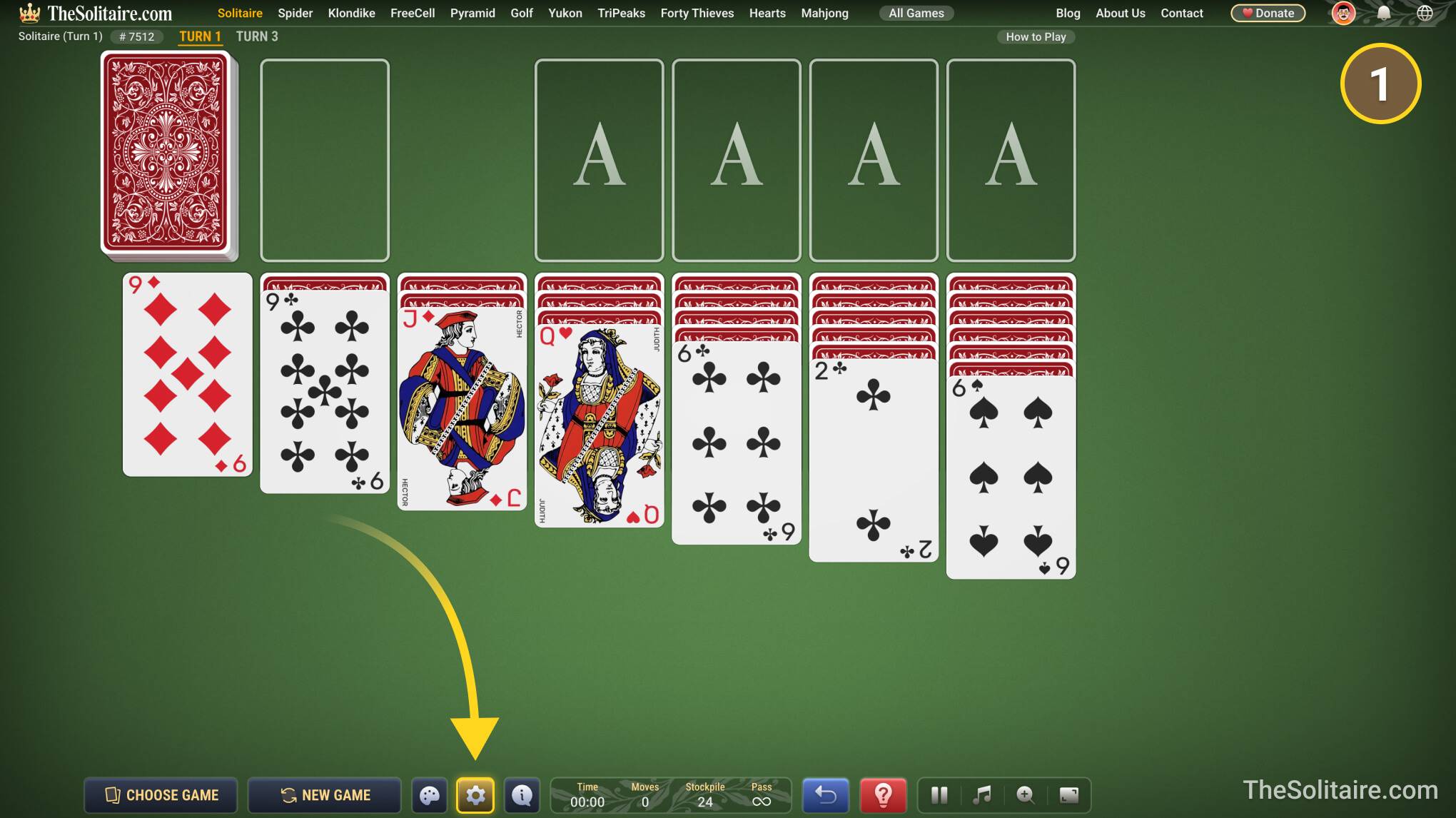
- Game settings are at the bottom of the screen. Click the gear button.
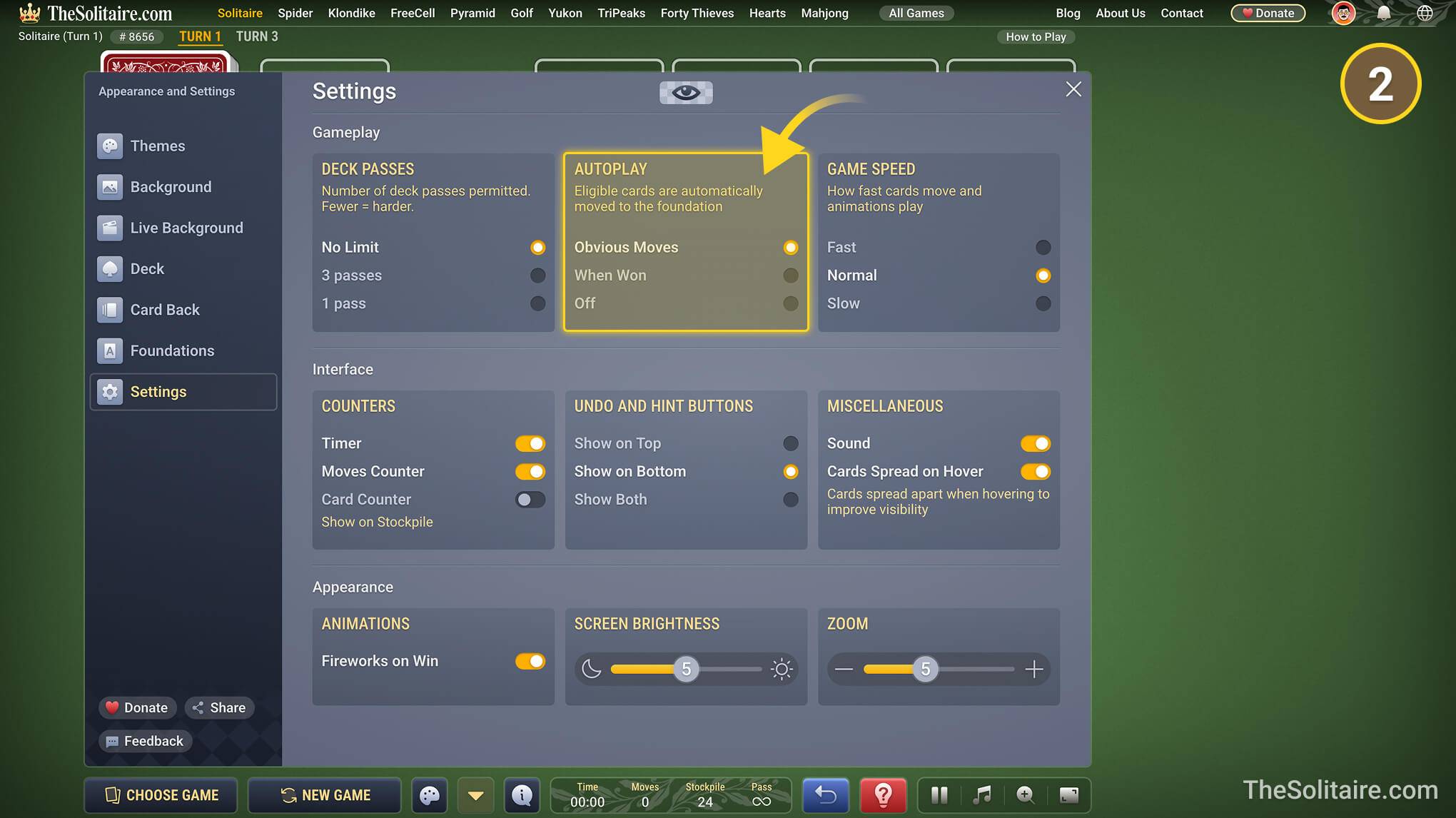
- In settings, you can change how the game looks and works. For example, you can adjust brightness and zoom, choose card faces, change card backs, and set other game options.
Why doesn’t the deck flip over?
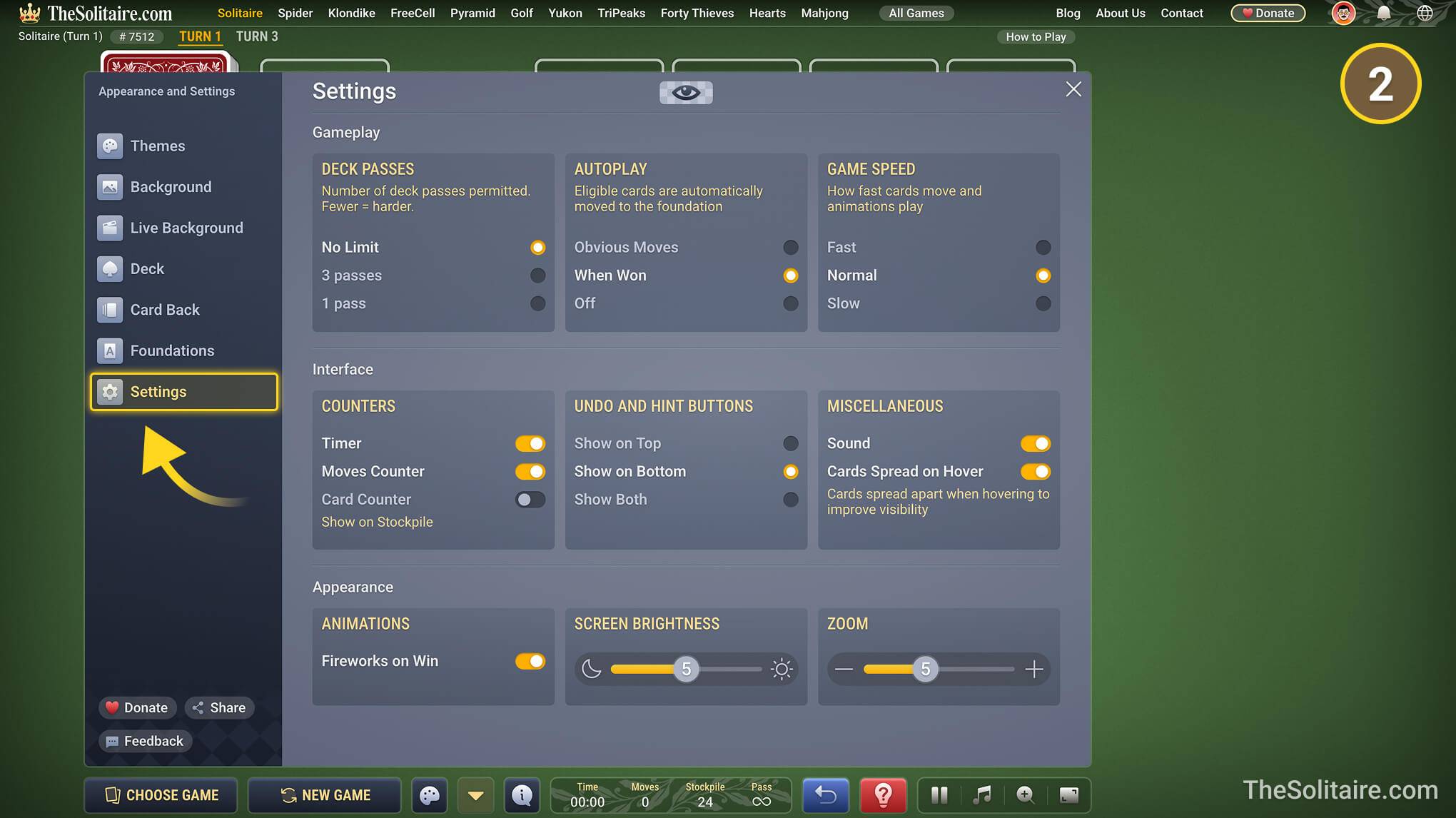
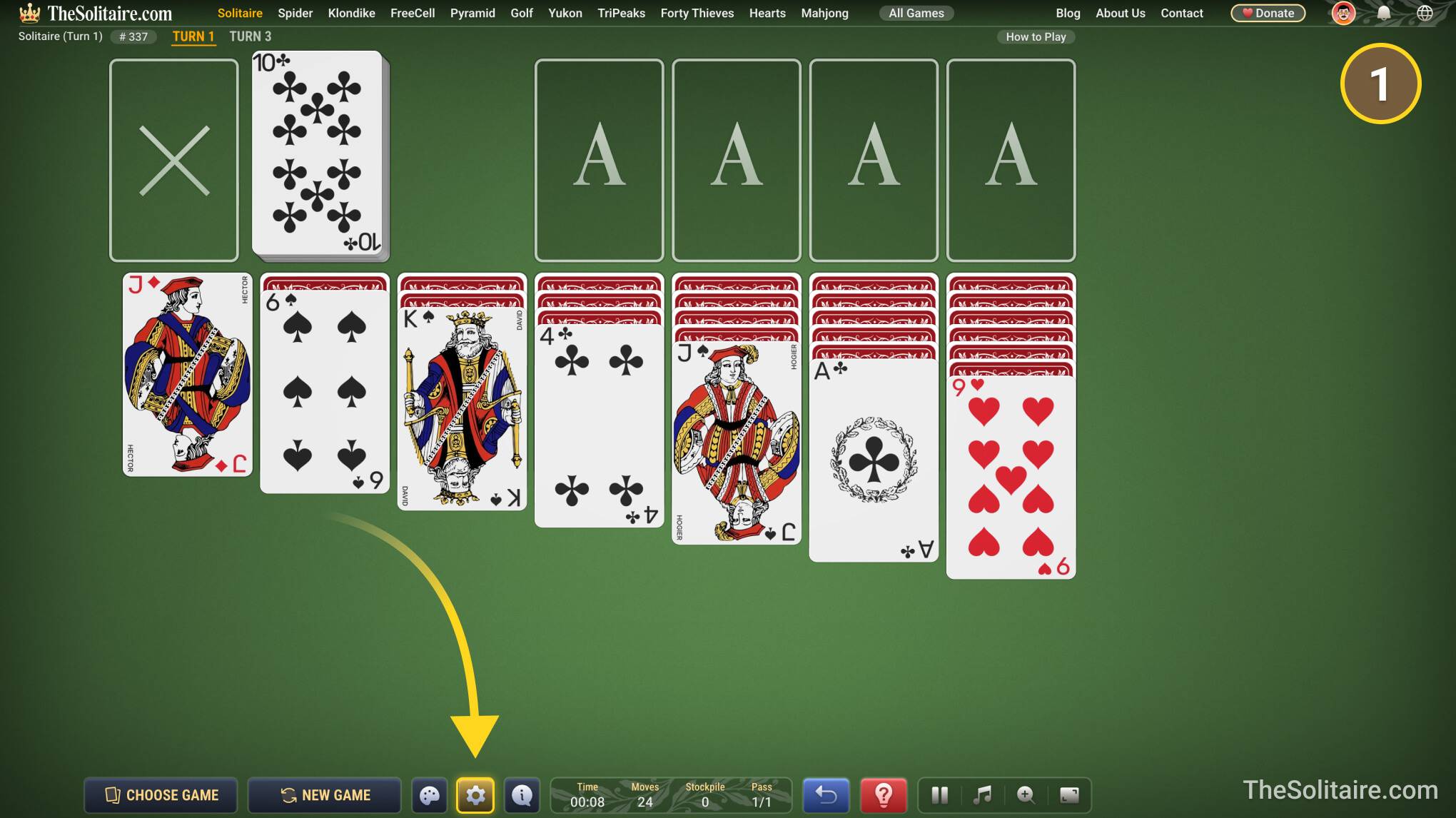
If you go through the whole stock and see an “X” instead of the deck flipping over, you can change this in the settings.
Why are the cards moving by themselves?
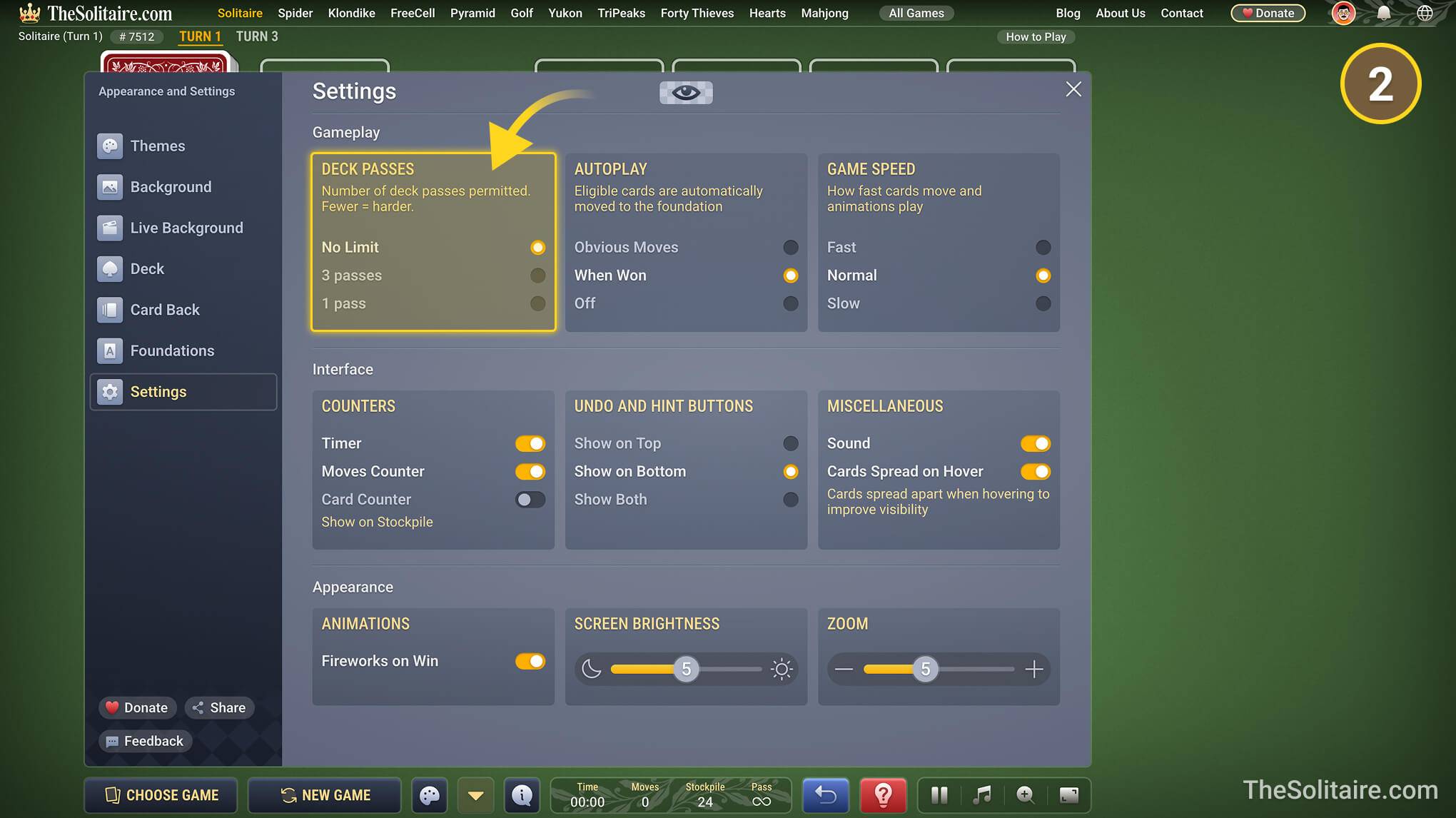
The cards may move by themselves because autoplay is turned on. This is a game setting, not a virus or a problem with your device. You can turn it off in the settings by choosing “Off” under “Autoplay”.
How do I play solitaire in full screen?
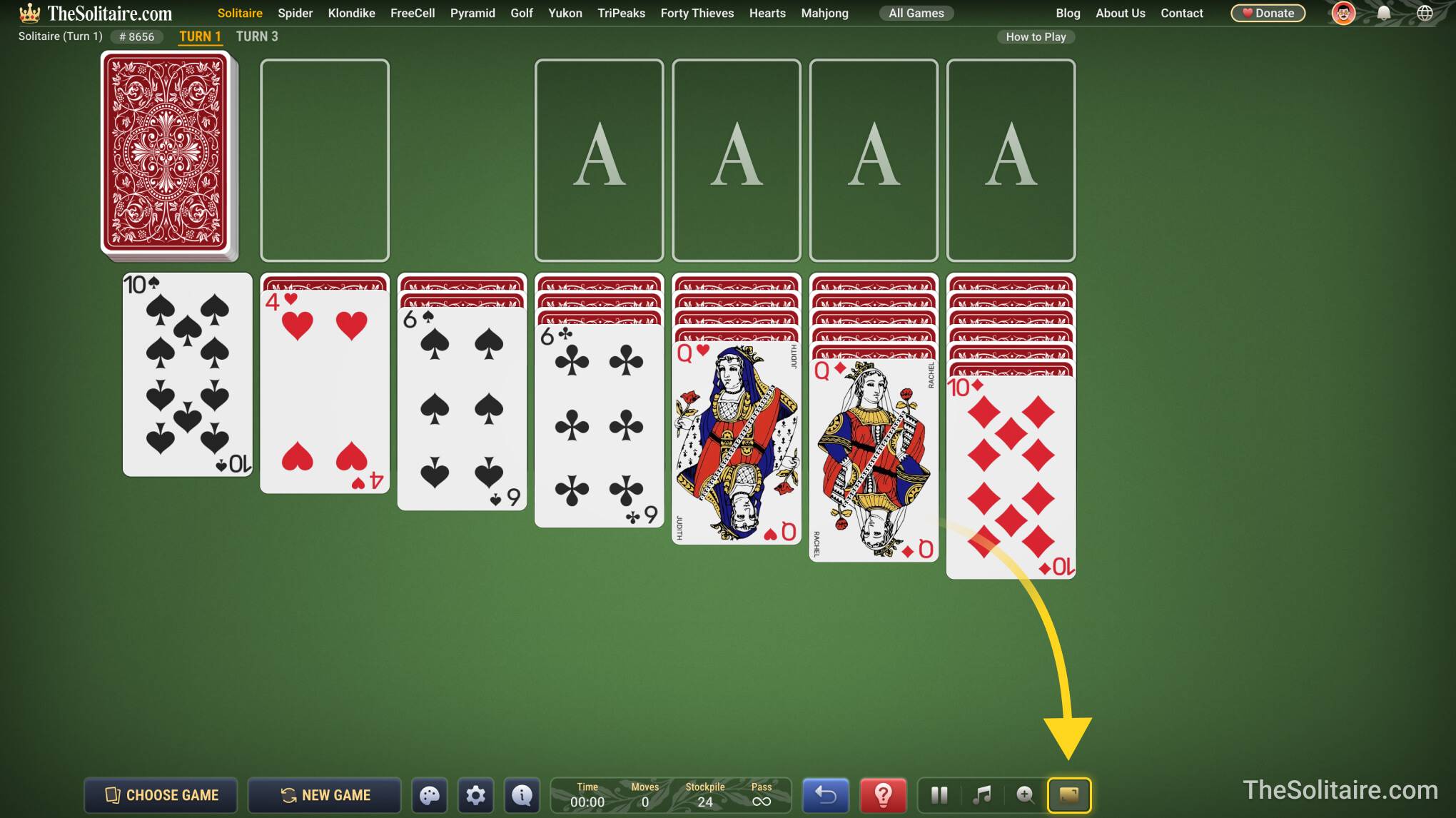
To switch to full screen mode, click the rightmost button at the bottom of the screen.
How do I add the game to my desktop?
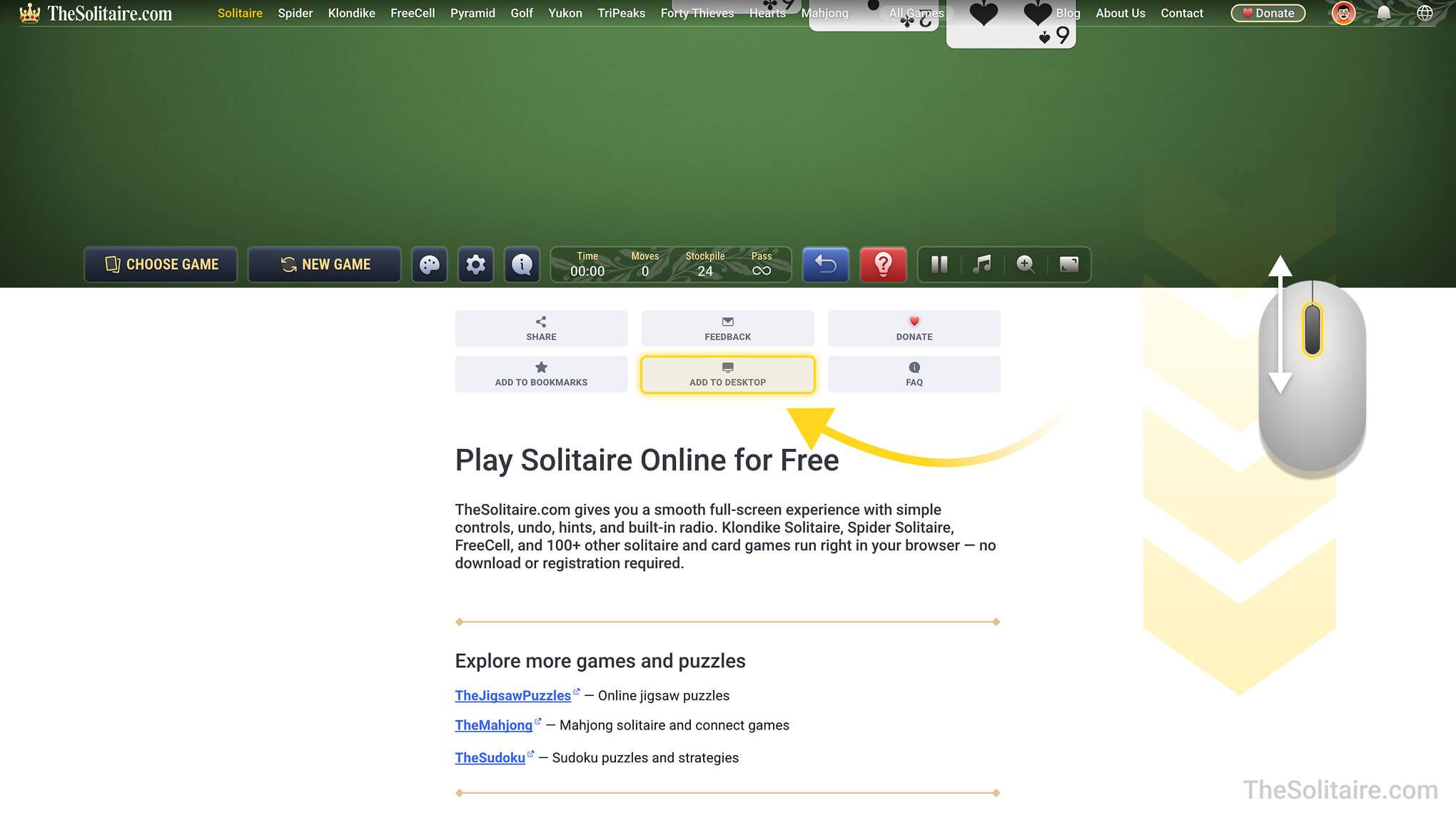
There is an “Add to desktop” button just below the game. Scroll down a little to see it.
Can I replay the same game later?
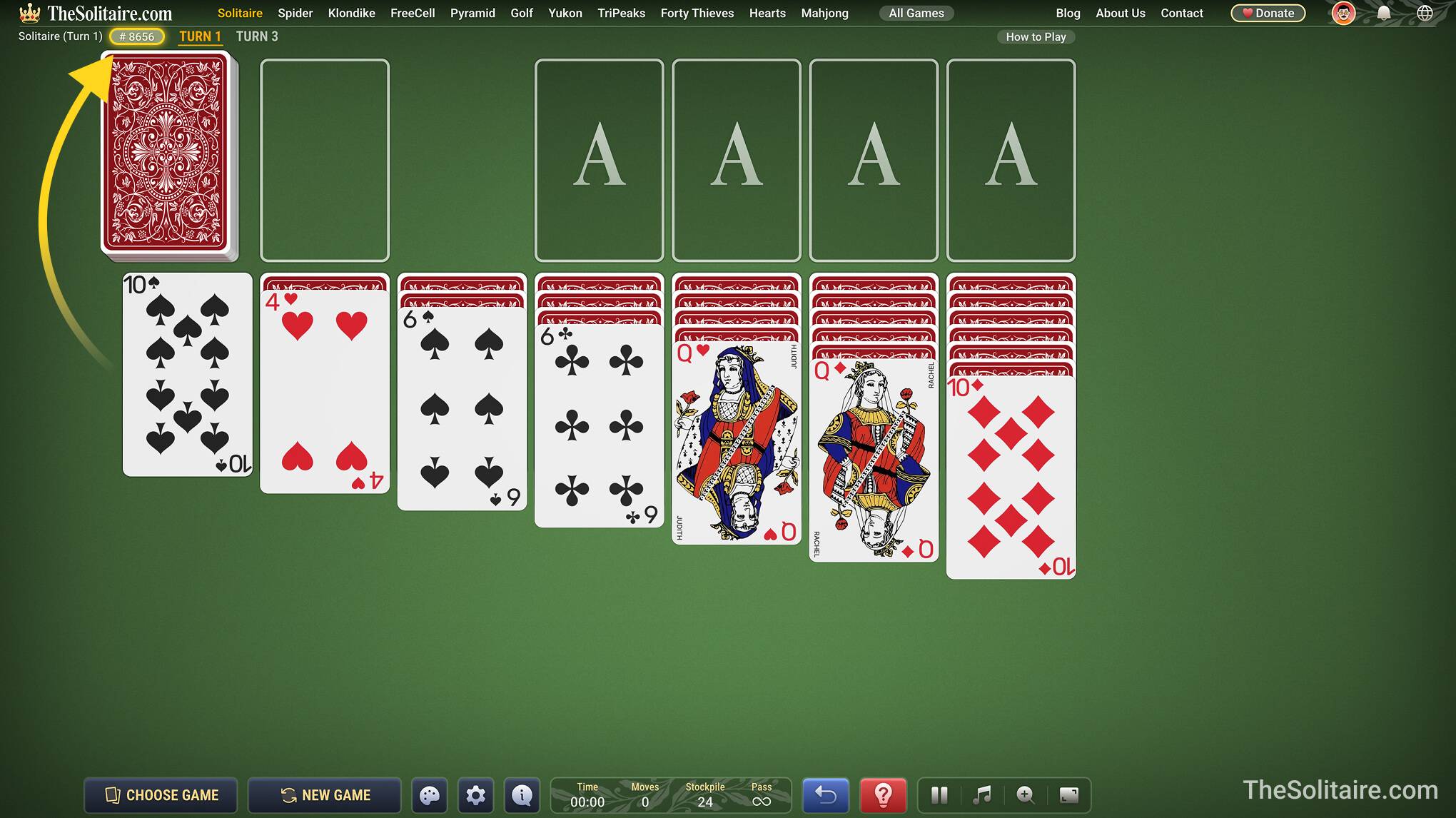
Yes. All solitaire games on TheSolitaire.com have game numbers. A game number always opens the same card layout, so you can replay the same game later, share it with friends, and compare your results. To change the game number, click the number in the top-left corner of the game screen. Enter the number you want and click New Game to open that card layout.
Do I need an account to play on TheSolitaire.com?
No. You can play games on TheSolitaire.com without creating an account. You only need an account if you want to save your game history, view your stats, or continue unfinished games on another device.
How do I create an account or register?
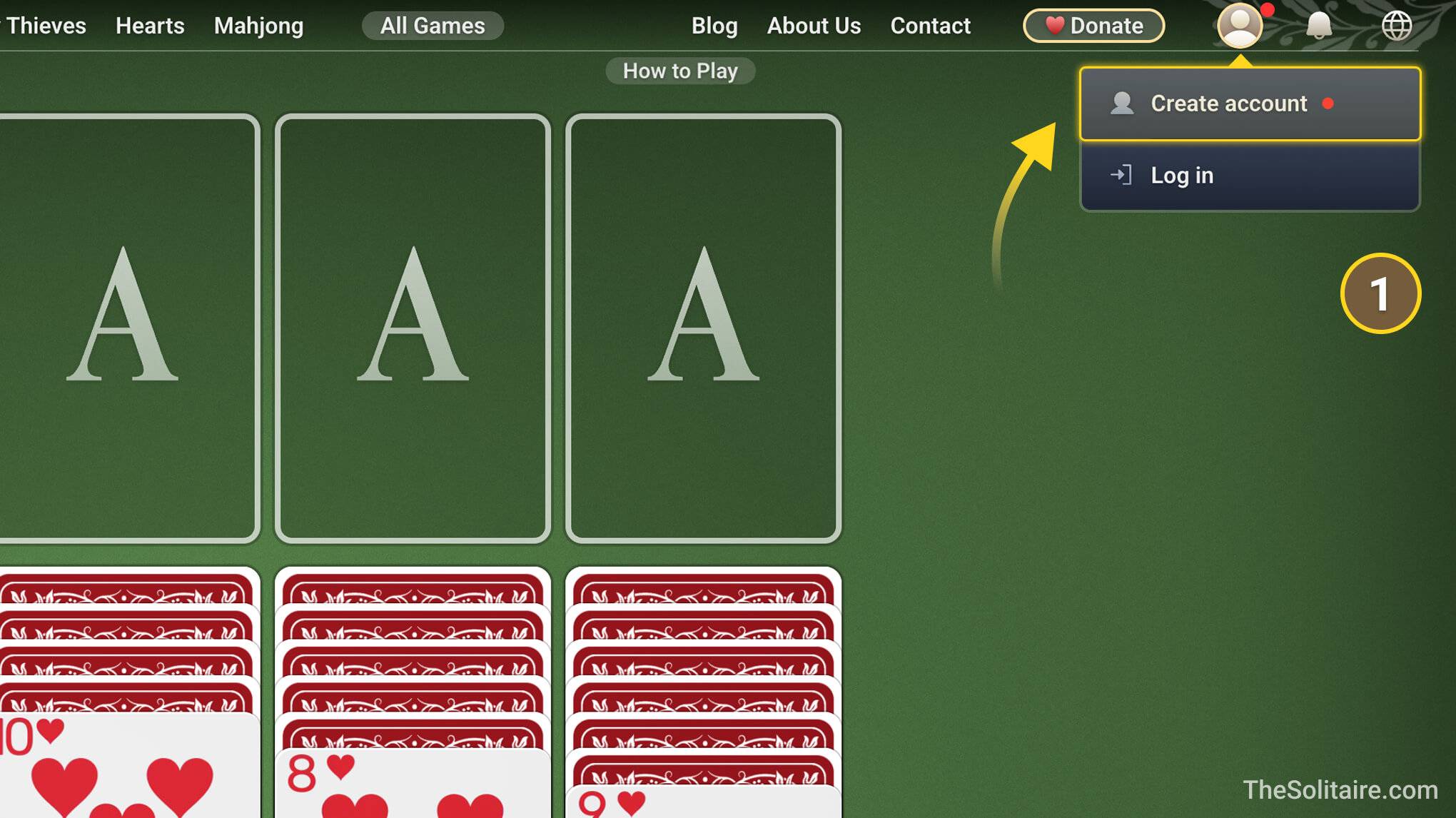
Open the account menu in the top-right corner of the site. From there, you can choose Create account or Log in. You can create an account with an email address and password, or use Google, Facebook, or Apple.
Where can I see stats for the games I’ve played?
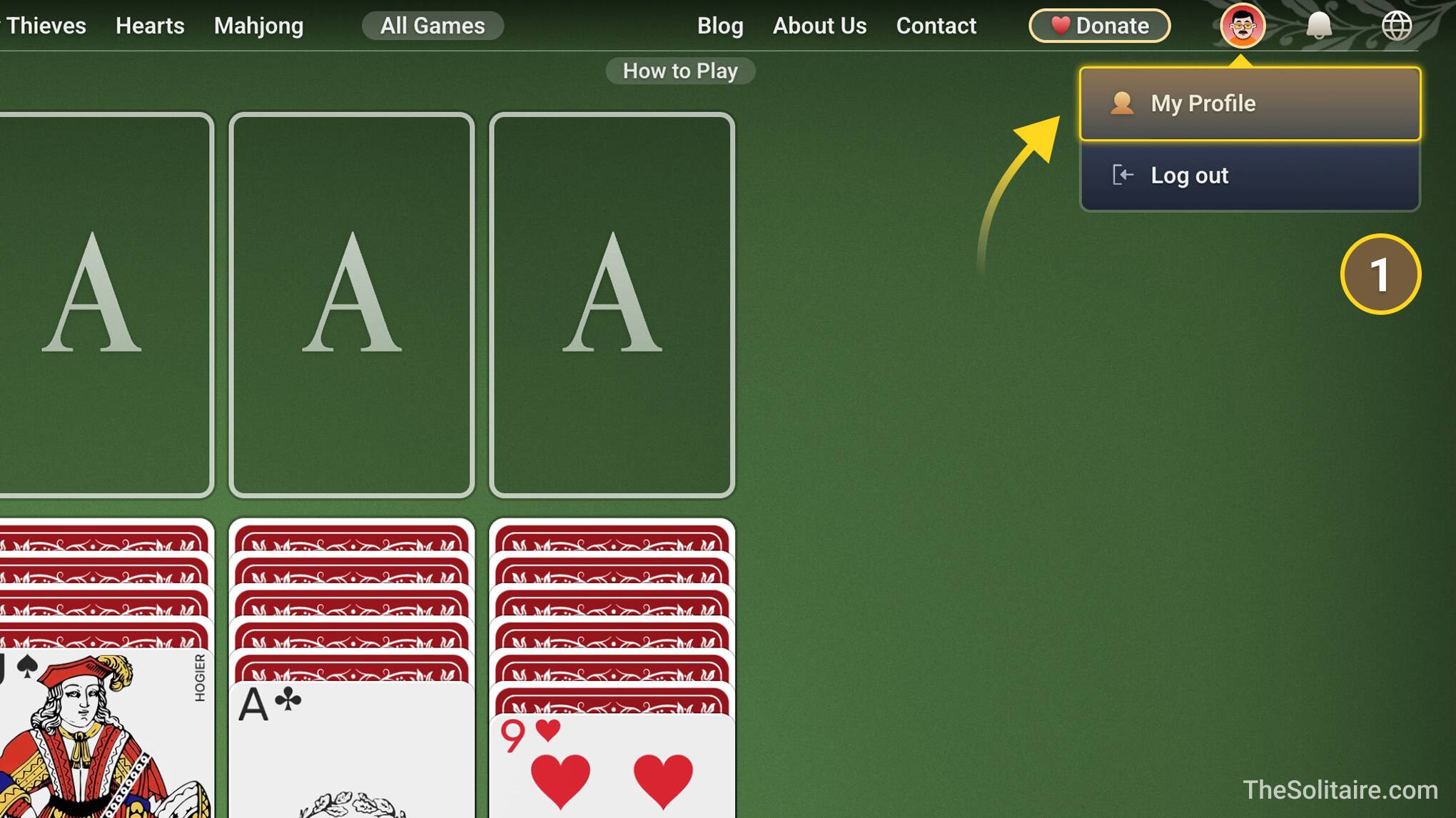
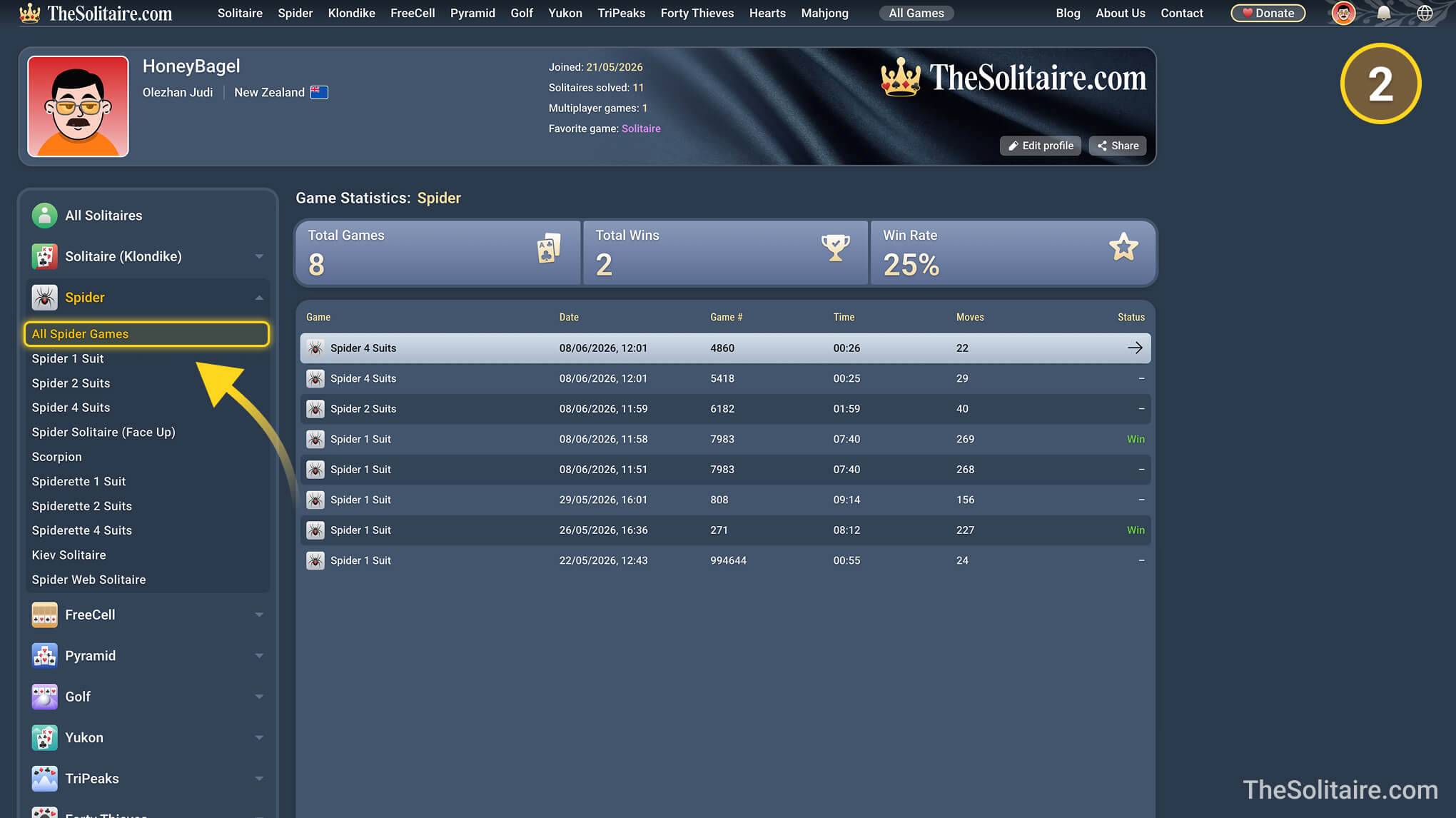
To see stats for the games you’ve played, you need to create an account and log in. After that, your games will be saved in your player profile. You can view stats for all games, for one game type, such as all Spider games, or for one specific game, such as Spider 4 Suits.
Can I start playing on one device and continue on another?
Yes. Start a game while signed in, then open TheSolitaire.com on another device and sign in to the same account. Your unfinished game will be there, so you can continue playing.
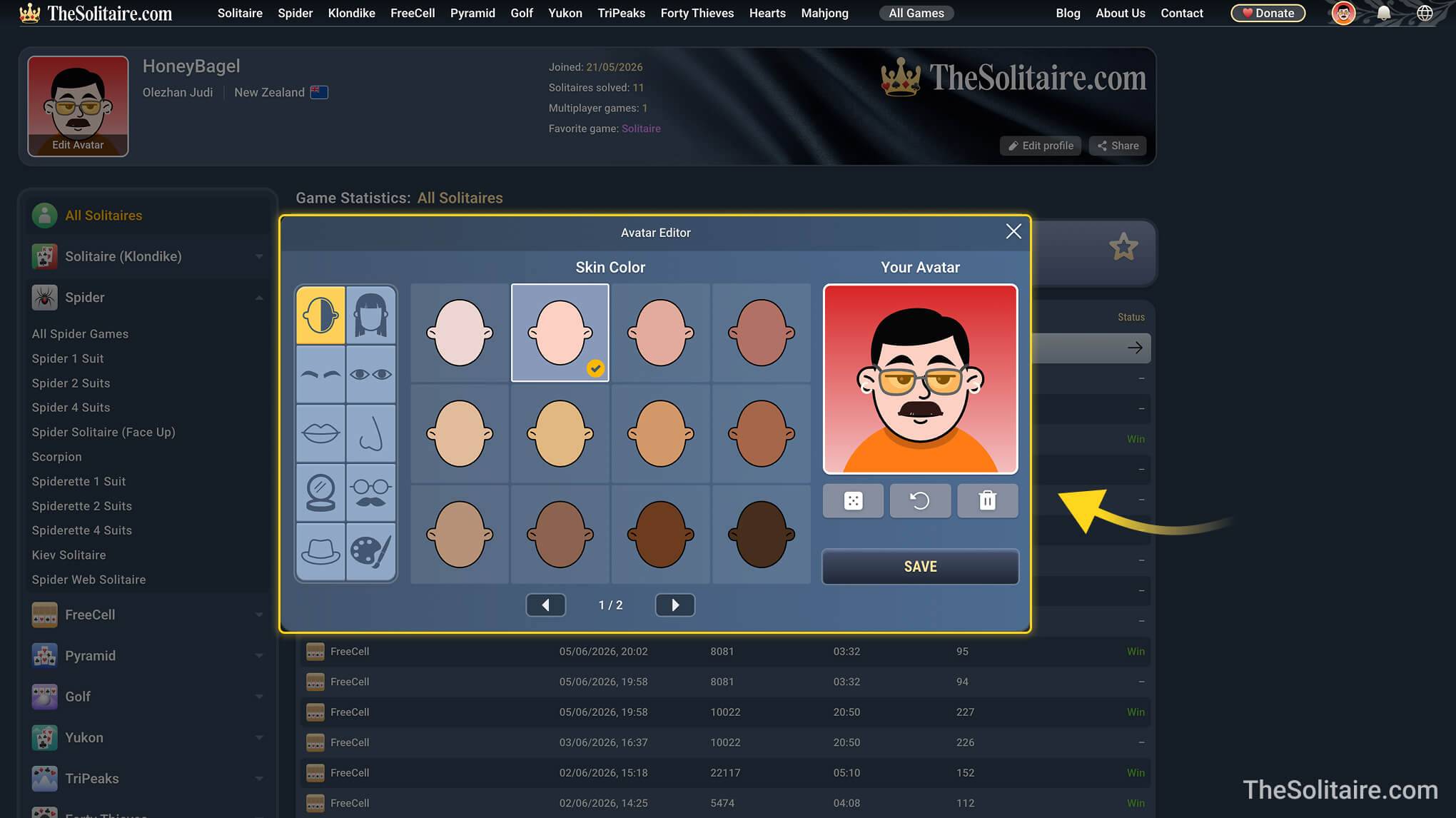
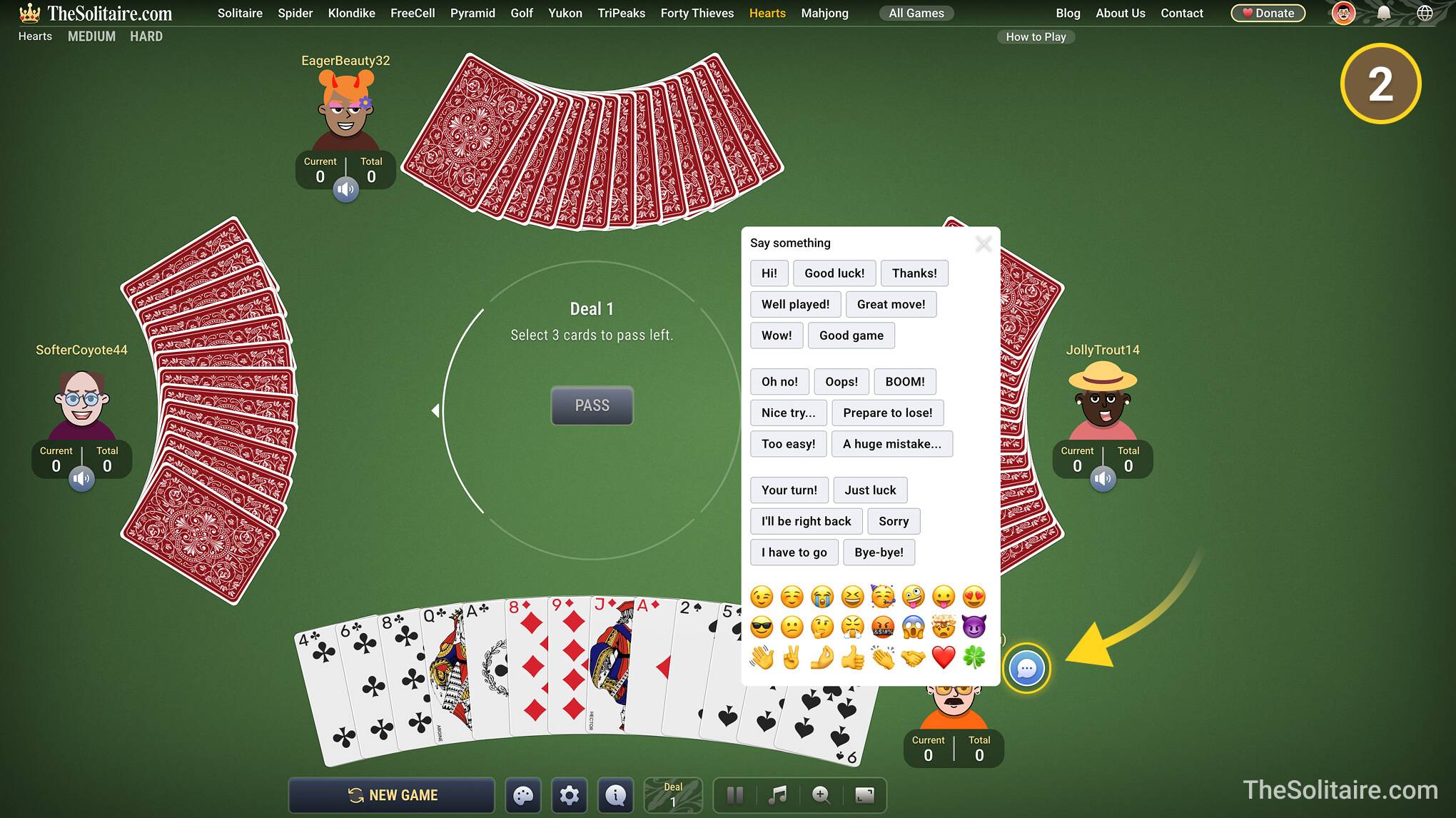
Can I make my own avatar and communicate with other players?
- Yes. If you create an account, you can use the avatar editor to make a player avatar that looks like you, or just create a version of yourself you like. Your avatar is shown on your profile and in multiplayer games, such as Hearts.
- In multiplayer games, you can also communicate with other players using preset phrases and emoji. This helps players react during the game even when they do not speak the same language.
Can I listen to music or background sounds while playing?
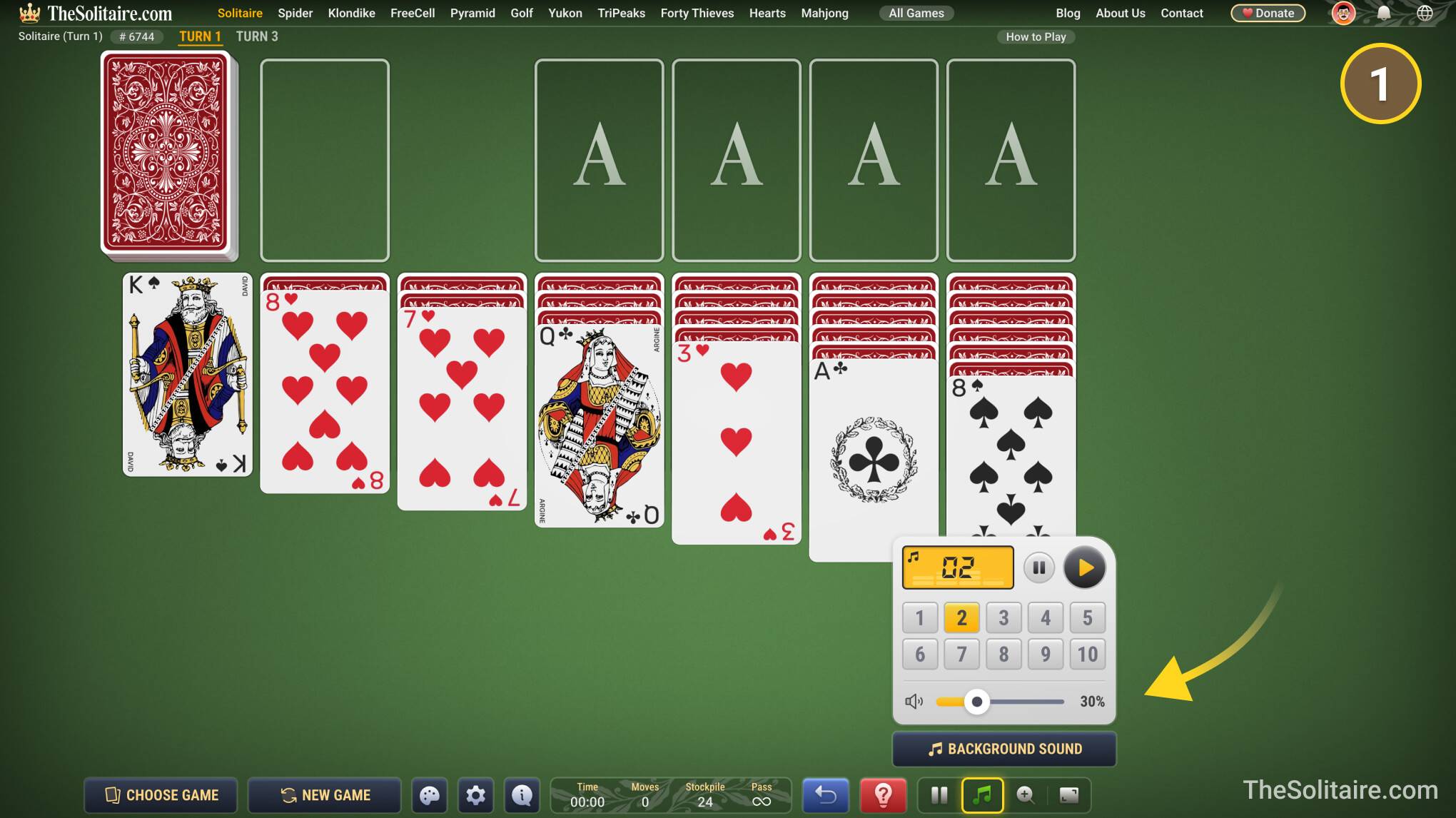
- Yes. TheSolitaire.com has built-in radio with 10 channels. The radio button is in the bottom-right corner of the screen. Open it, choose a channel, and set the volume.
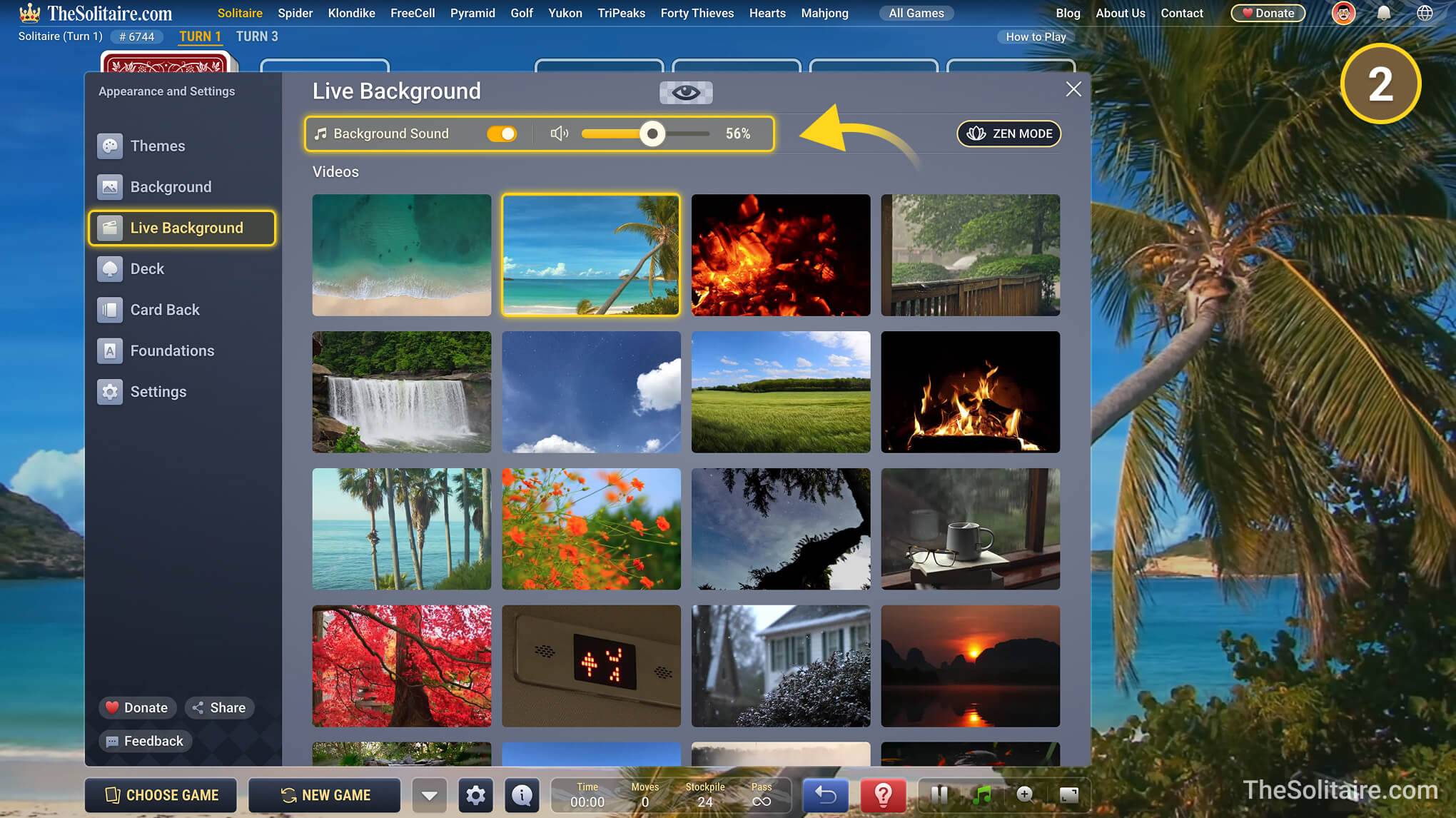
- Some special animated backgrounds also have matching background sounds. For example, you can play with an ocean background and the sound of waves, or with a fireplace background and the sound of crackling fire.