












Item 1
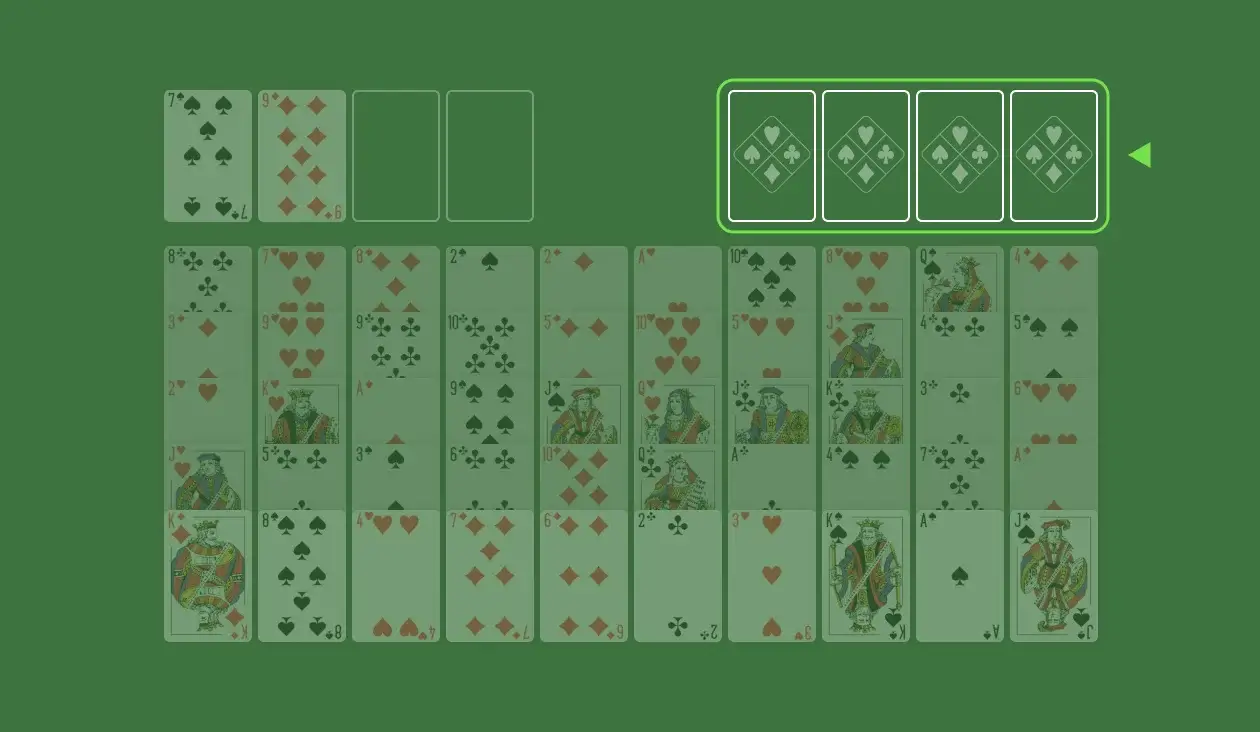
In Seahaven Towers, the Tableau consists of 10 columns with 5 cards each.
Build up each home pile by suit, from A to K (A, 2, 3, …).
You can organize the columns by moving cards in descending order and matching suits (like 5 on 6).
You can move a whole group of cards if they’re in sequence.
Max cards in a group = number of empty free cells + 1. If no cells are free, you can only move one card at a time.
Each free cell can hold one card. Use them to free up space and help with moves.
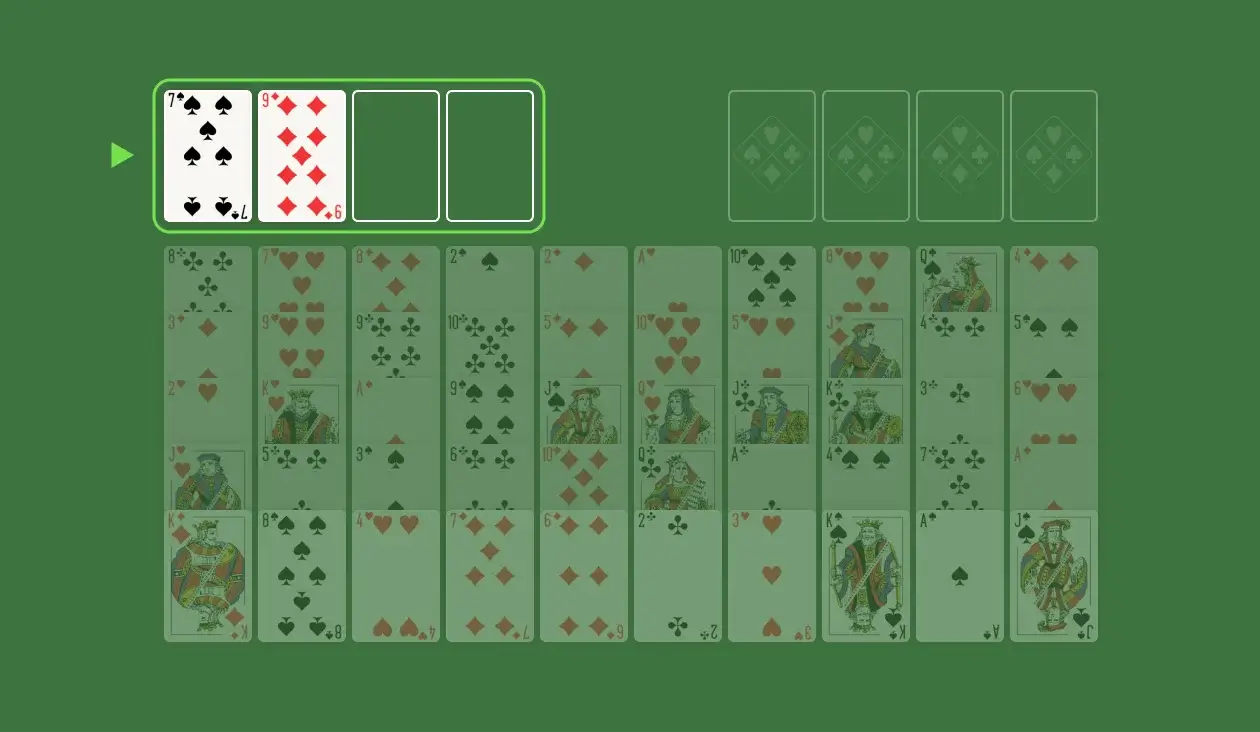
At the start, 2 cells are filled and 2 are empty.
You can start an empty column with any card.
Your goal is to complete all 4 Foundation Piles. You win when there are no cards left in the Cells and Tableau.
Seahaven Towers is FreeCell with a couple of tricks up its sleeve. You start the game with 2 Cells already occupied and you can only stack cards by suit. It might take a few tries before you get the hang of it, but it’s fairly easy to earn a victory once you do.
Like other FreeCell variants, Seahaven Towers is mostly skill-based. Use these tips to improve your gameplay:
Ready to have even more fun? Check out these great games:
We understand that playing Solitaire isn’t just about the game—it’s about the experience. Our platform is built to bring players to the heart of Solitaire. Your triumphs, challenges, and overall playing experience drive our purpose. Let’s win together!
Add The Solitaire to your desktop and never search for it again
In Seahaven Towers, the Tableau consists of 10 columns with 5 cards each.
Stack each card so it partially covers the one above it.
Arrange the columns side-by-side in the playing area.
Every card in the Tableau is dealt face-up.
Leave room above the Tableau for 4 Cells and 4 Foundation Piles, arranged in a single row.
Deal out the 2 remaining cards by placing them in 2 of the Cells.
A card moved to the Tableau can only be stacked under a card of the same suit. So, a Spade can only be placed under another Spade.
You can only move a card in the Tableau by placing it under a card that is one rank higher. For example, a 5 of Clubs can only be stacked under a 6 of Clubs.
Empty spaces in the Tableau can be filled by any card.
You can only move one card at a time. Stacked cards cannot be moved together unless there are enough spaces in the Tableau and Cells to move each card individually.
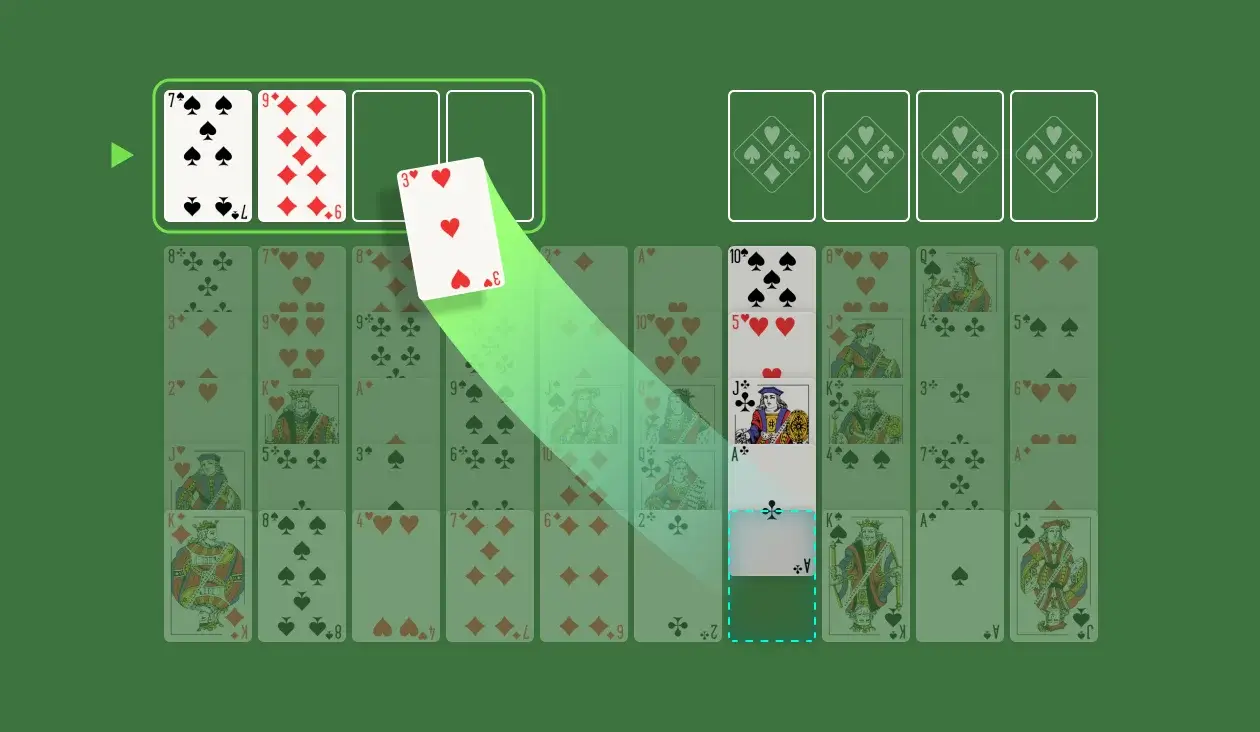
Any card at the bottom of a column can be moved to an empty Cell.
Cards can only be moved out of the Cell if there is a suitable place for them in the Tableau or Foundation Piles.
Cards cannot be stacked in the Cells. Each Cell can only hold a single card.
Foundation Piles are built by stacking cards of the same suit in ascending order (from Ace to King).
To start a Foundation Pile, move an Ace to an empty Foundation Pile.
To build your Foundation Piles, add a card of the same suit that is one rank higher than the one at the top of the pile. For example, if the top card is the Jack of Hearts, only the Queen of Hearts can be placed on it.
You can build the Foundation Piles using cards from the Tableau or the Cells.
A Foundation Pile is complete when it contains all 13 cards in a single suit, stacked in the following order: Ace, 2, 3, 4, 5, 6, 7, 8, 9, 10, Jack, Queen, King.
Cards cannot be moved out of the Foundation Piles.
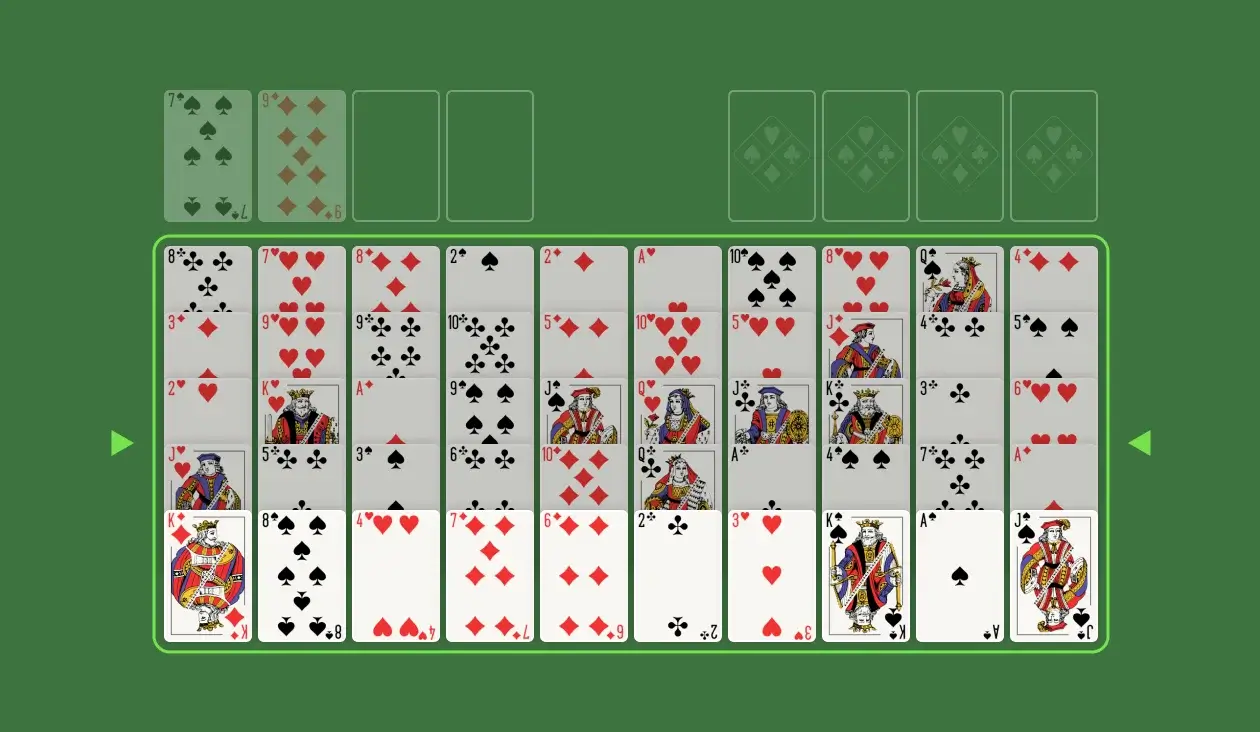
Deal 10 columns with 5 cards each, all laid face-up.
Leave 4 spaces above the Tableau for the Cells — deal the remaining 2 cards in the Cells.
Leave 4 more spaces above the Tableau for your Foundation Piles.
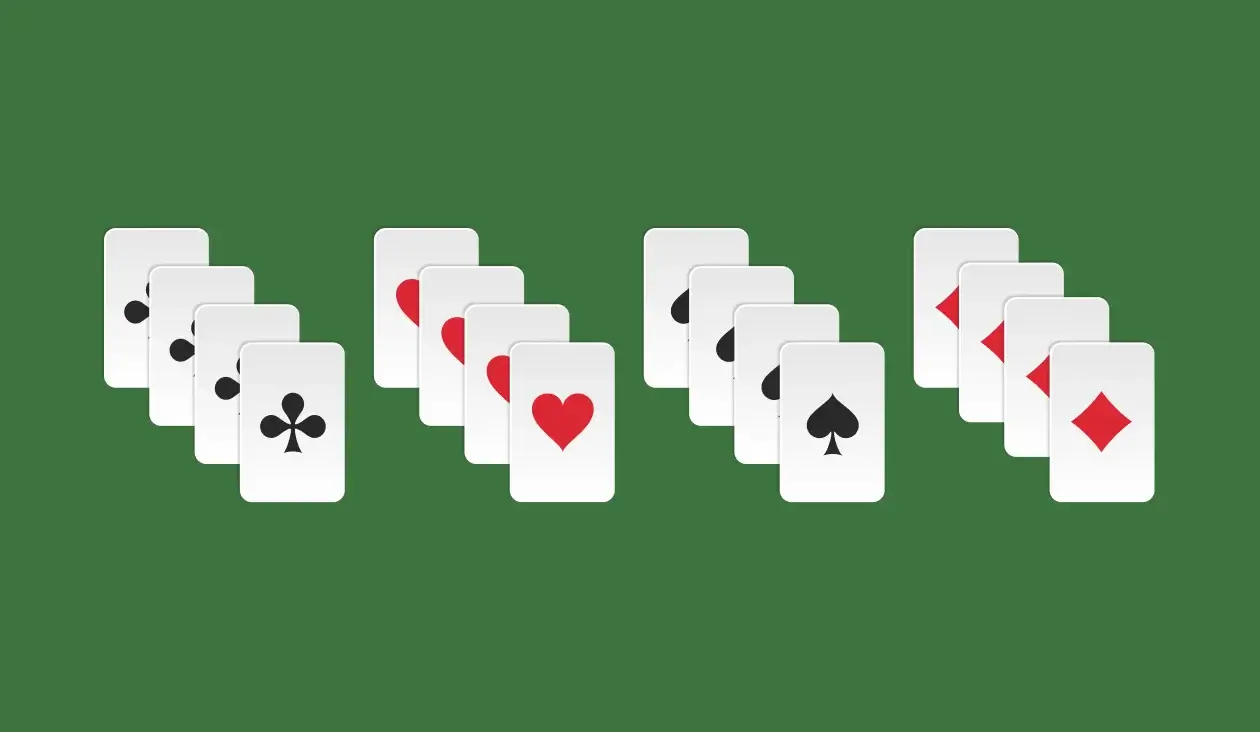
Cards in the Tableau can only be stacked under cards with a matching suit.
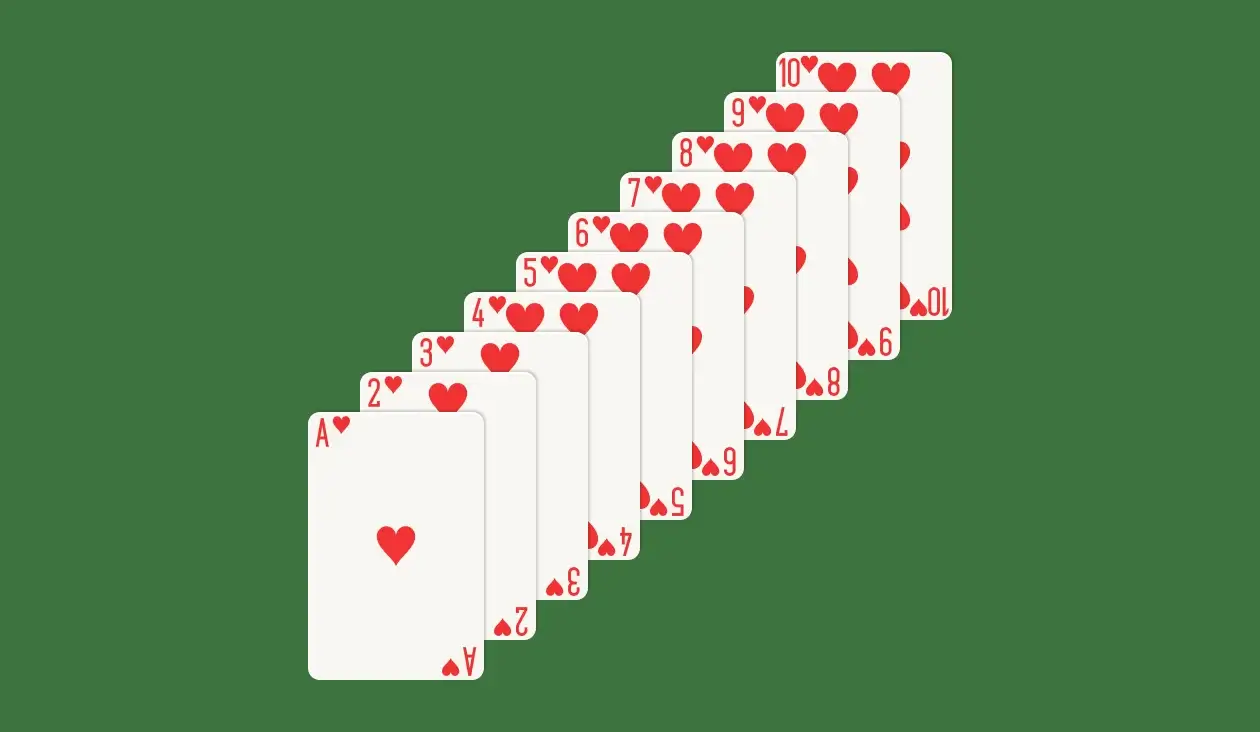
Cards in the Tableau can only be placed under cards that are one rank higher.
Use the Cells to store cards for later use.
Empty spaces in the Tableau can be filled by any card.
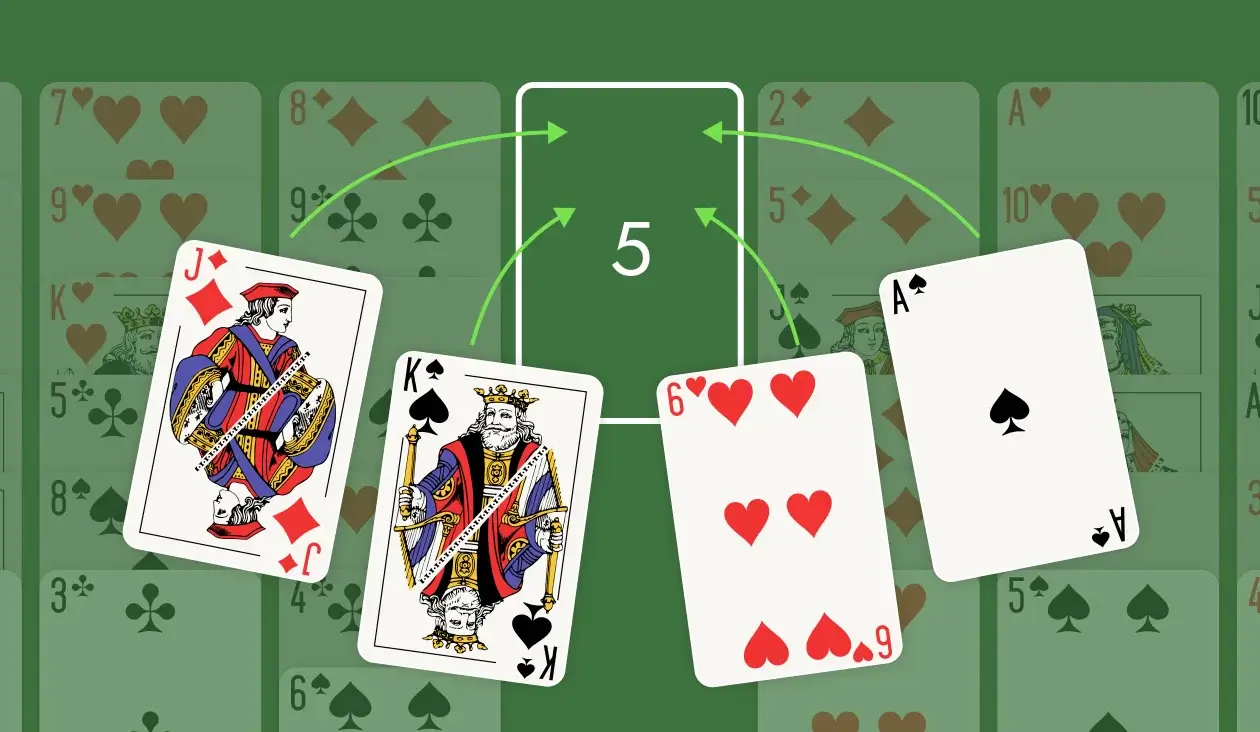
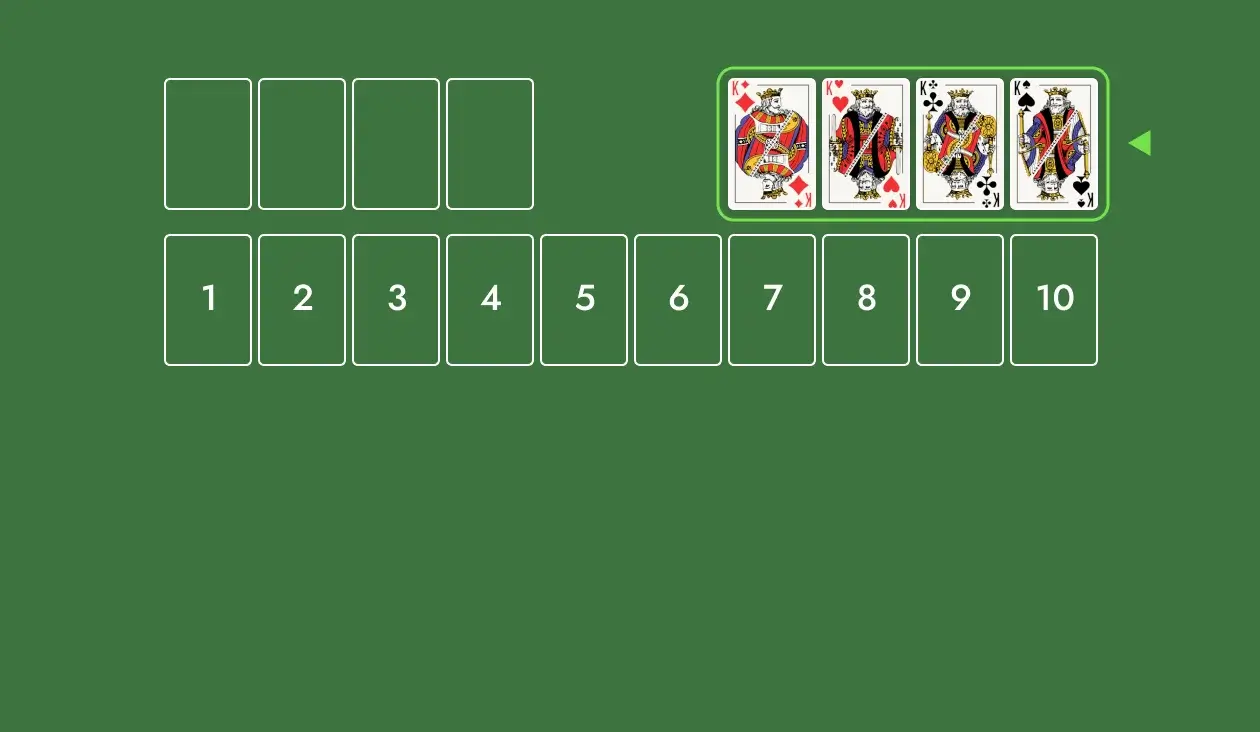
Build each Foundation Pile in ascending order, starting with an Ace. You win when every Foundation Pile is complete!
Before making any moves, scan the Tableau and find the Aces. Go after the one that is lowest on the Tableau first.
Work on creating columns in the Tableau. Since they’re ordered by suit, you’ll be able to send multiple cards to the Foundation Piles back to back.
Starting with half your Cells already occupied puts you at a disadvantage. The good news is they’re easy to empty. Look for opportunities to move cards out of the Cells and into the Tableau to open up more moves.
Chinese FreeCell Solitaire — A quirky version of FreeCell with only 3 suits!
Pyramid Solitaire (Dozen) — Pyramid Solitaire with pairs of 12 instead of 13!
Klondike Solitaire — The classic game you know and love!